MorganaBench Web Interface
MorganaBench provides a web-based interface for managing the full benchmark generation and evaluation pipeline. This guide covers each section of the UI and how to use it effectively.
Sidebar Navigation
The main navigation sidebar organizes the platform into the following sections:
Sandbox
An interactive testing area for trying guidance against a small sample of corpus content — documents or tool definitions — before committing to a full benchmark run. Use it to iterate on a specification or a seed of example requests and see straight away what each one generates.
Example resources
Every organization has read-only example corpora, specifications, benchmarks and evaluations — marked with an Example badge in the lists — for exploring MorganaBench without your own data. See Example Resources.
Corpora
Manage your document collections and tool definitions. A corpus is a set of documents or tool definitions that serves as the knowledge base for benchmark generation. You can upload, view, and delete corpora here.
Specifications
Your library of reusable specifications. A specification is the category-driven form of guidance: a scenario description shared by every case, plus categories of variation whose weighted labels shape the mix of cases generated. Save one here to reuse it across benchmarks.
Benchmarks
Generate test sets by combining a corpus with guidance. Each benchmark produces a set of synthetic test cases in JSONL format that can be used to evaluate AI agents.
Metrics
The gallery of scoring metrics available to evaluations, grouped by category: the built-in system metrics for response quality and grounding, function calling, and guardrails, followed by Your Metrics — the custom LLM-judged metrics your organization has defined. Each card links to the metric's detail page; custom metrics can be created, duplicated, and deleted here.
Evaluations
Run evaluations against generated benchmarks. Upload agent output, select scoring metrics, and view detailed results including per-metric scores with statistical confidence intervals.
Usage
Track quota consumption and usage statistics for your organization.
Assistant
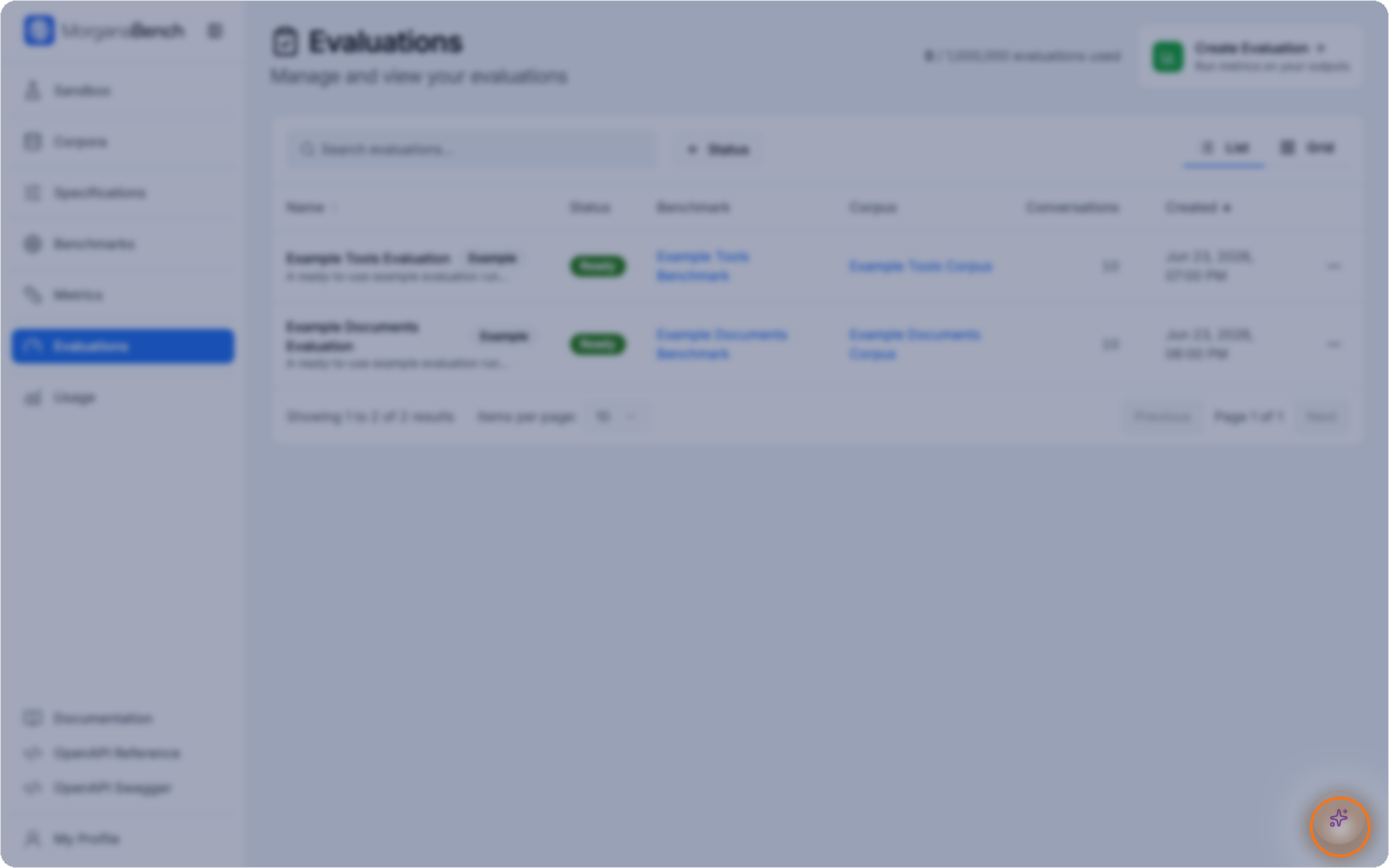
A chat panel, opened from the sparkle button in the bottom-right corner of every page. It answers questions about how MorganaBench works and where to find things in the UI, and its answers can link to the relevant page.
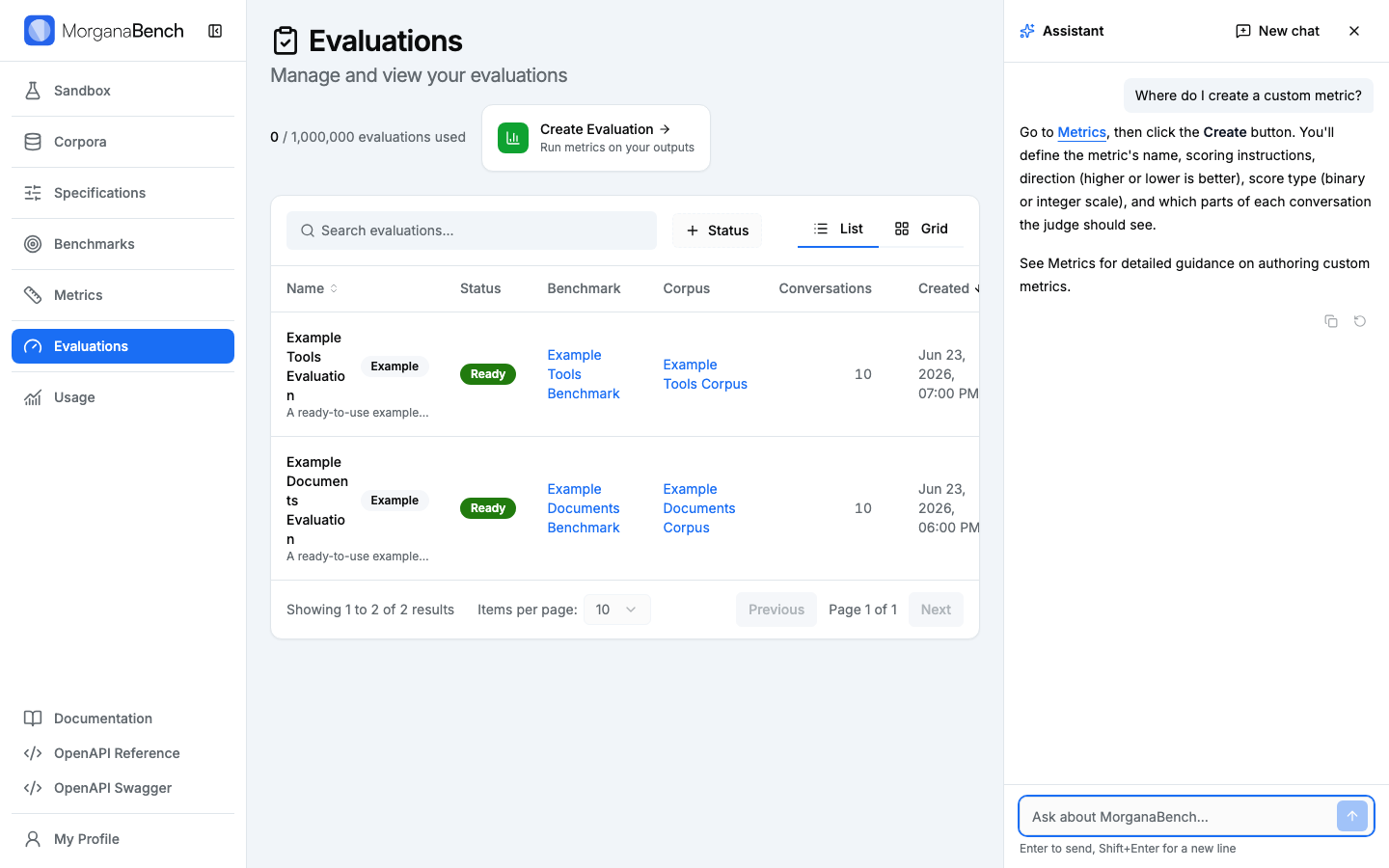
The Assistant can't see your corpora, benchmarks, evaluations, costs or settings, and can't act for you. Each conversation is private to you and is kept between visits. New chat starts a new one.
Admin-Only Sections
Users with admin privileges have access to additional management sections:
- Users — manage user accounts and roles.
- Organizations — manage organization settings and membership.
- Limits — configure usage quotas and rate limits.
- Background Jobs — monitor and manage asynchronous processing tasks.
- Previews — inspect preview execution history and debug preview failures.
- Costs — view cost breakdowns for generation and evaluation runs.
Pipeline Overview
The core workflow follows this pipeline:
Corpus → Guidance → Benchmark → Evaluation
- Upload a Corpus of documents or tool definitions.
- Provide the Guidance that defines how cases should be generated. Guidance comes in two interchangeable forms, and every benchmark uses exactly one of them:
- a specification — a scenario description plus categories and labels; or
- a seed of example requests for MorganaBench to generate more like.
- Generate a Benchmark by combining a corpus with guidance.
- Run an Evaluation by submitting agent output against a benchmark and reviewing the scored results.